Successful Location Scouting For Your Shoot
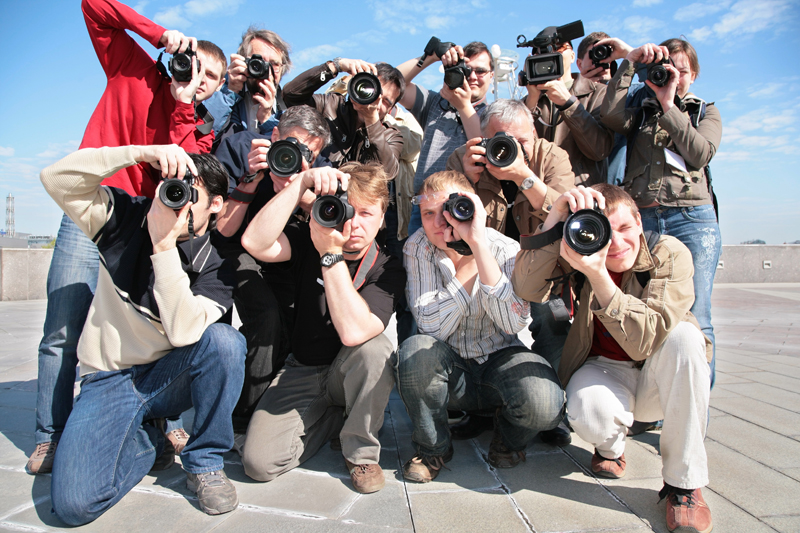
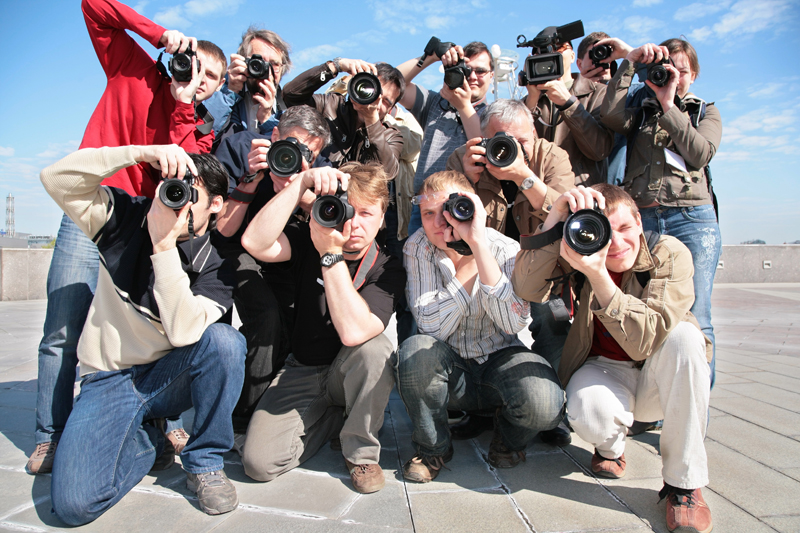
There are lots of elements that need to come together for a photo-shoot to be successful. For many photographers, finding a perfect location for their shoot is one of the first things that needs to be considered.
Here are some tips to finding that backdrop for your creative ideas.
The right time for scouting locations
The right time to go out and scout for locations depends on the time of day that you will be doing the actual shoot. Many people make the mistake of looking for locations at the wrong time and when it comes to the day of the shoot, they are thrown by the difference in the quality of light. Even if you are shooting all day you still need to see what the light is like at different times of the day, so that you can plan your shoot accordingly.
Getting permission to shoot
Don’t forget to get permission for where you need to shoot. There are a lot of public places where you don’t need permission but there are also locations that people think are public that aren’t. Check if it is all right to shoot without a permit / licence or be ready to do all of the paperwork you will need to get authorization. You may be asked if you have insurance and to write a risk assessment so be willing to deal with this or get some help from someone who knows what to do. The main thing to consider is that this process does not normally happen overnight so allow enough time.
Be aware of the area you will be shooting in
Imagine you are doing a fashion shoot where different models arrive at different times. Do you know what to do if there is terrible phone reception? Have you checked to see where the nearest phone is in case you need to call them? What if there is no public transport and they need to drive, have you found all of the best places for them to park? As well as parking and alternative phone arrangements, there are other things to consider. At some stage you will need to break for lunch so you will need to arrange a place that can accommodate you and your team. People will need bathroom breaks so be prepared to know where the nearest convenience is.
The best thing to do is imagine your whole day of working and think of any issues that may arise and how you would deal with them.
Going back a day or so before the shoot
This one may sound like a strange one, but imagine your horror if you go on the day of your shoot to find that the beautiful public park that you were about to shoot in is now closed for maintenance. You can never think of every eventuality, but calling off a shoot the day before because you drove to the location and saw it was closed, is far better that turning up on the day with all of your team.
Take a camera and a notepad
Location scouting can be quite a process and you may have to choose from more than a few promising places. Having pictures and notes to refer to from your recce (a recce is your pre-shoot visit to the location) will be invaluable when deciding later.
Although this may all seem a bit daunting at first once you have done it a few times it will become easier. You could of course hire someone to do this all for you if you prefer.
Happy location scouting!
Here are some tips to finding that backdrop for your creative ideas.
The right time for scouting locations
The right time to go out and scout for locations depends on the time of day that you will be doing the actual shoot. Many people make the mistake of looking for locations at the wrong time and when it comes to the day of the shoot, they are thrown by the difference in the quality of light. Even if you are shooting all day you still need to see what the light is like at different times of the day, so that you can plan your shoot accordingly.
Getting permission to shoot
Don’t forget to get permission for where you need to shoot. There are a lot of public places where you don’t need permission but there are also locations that people think are public that aren’t. Check if it is all right to shoot without a permit / licence or be ready to do all of the paperwork you will need to get authorization. You may be asked if you have insurance and to write a risk assessment so be willing to deal with this or get some help from someone who knows what to do. The main thing to consider is that this process does not normally happen overnight so allow enough time.
Be aware of the area you will be shooting in
Imagine you are doing a fashion shoot where different models arrive at different times. Do you know what to do if there is terrible phone reception? Have you checked to see where the nearest phone is in case you need to call them? What if there is no public transport and they need to drive, have you found all of the best places for them to park? As well as parking and alternative phone arrangements, there are other things to consider. At some stage you will need to break for lunch so you will need to arrange a place that can accommodate you and your team. People will need bathroom breaks so be prepared to know where the nearest convenience is.
The best thing to do is imagine your whole day of working and think of any issues that may arise and how you would deal with them.
Going back a day or so before the shoot
This one may sound like a strange one, but imagine your horror if you go on the day of your shoot to find that the beautiful public park that you were about to shoot in is now closed for maintenance. You can never think of every eventuality, but calling off a shoot the day before because you drove to the location and saw it was closed, is far better that turning up on the day with all of your team.
Take a camera and a notepad
Location scouting can be quite a process and you may have to choose from more than a few promising places. Having pictures and notes to refer to from your recce (a recce is your pre-shoot visit to the location) will be invaluable when deciding later.
Although this may all seem a bit daunting at first once you have done it a few times it will become easier. You could of course hire someone to do this all for you if you prefer.
Happy location scouting!

Related Articles
Editor's Picks Articles
Top Ten Articles
Previous Features
Site Map
Content copyright © 2023 by Ewa Sapinska. All rights reserved.
This content was written by Ewa Sapinska. If you wish to use this content in any manner, you need written permission. Contact Ewa Sapinska for details.